Six Game Pages From One YAML File
Each game on loadout.ca has its own branded page with its own fonts and colours. Behind them is one YAML file, a plain Ruby model and a test that fails if a screenshot goes missing.
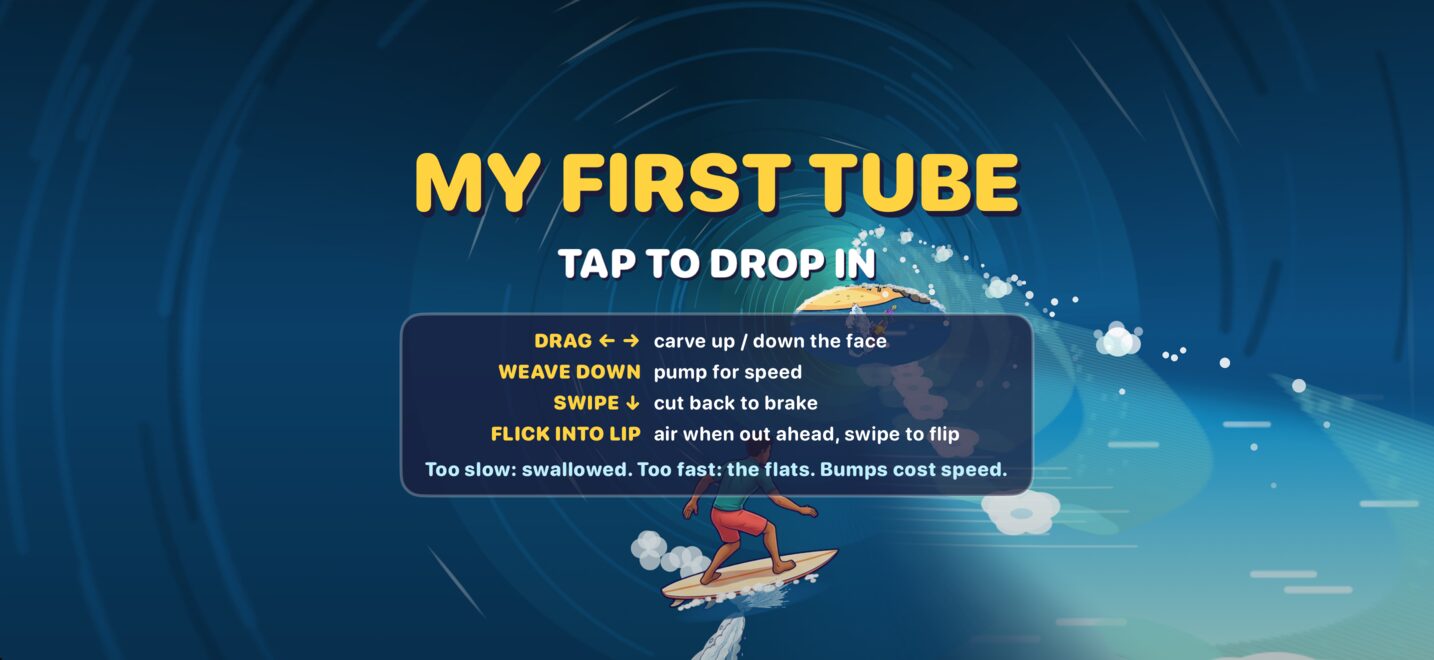
Every game on loadout.ca/games gets its own page, and each one looks like its game, borrowing the game's own fonts, colours and art. Six pages, six looks.
None of them are hand-built templates. They're one view and one file of data.
The data lives in YAML
Game pages are content, not records anyone edits through an admin. They change when a game ships or gets a new trailer, which means they change in a commit. So they live in config/showcases.yml, one entry per game or app:
- slug, kind (
gameorapp), name, tagline, summary - platform and status ("Free on the App Store", "Coming soon")
- a
themeblock with fonts and colours - hero video and poster, a gallery of screenshots, a feature list
- an App Store URL if there is one
- the lead-form options
A model without a database
Showcase is a plain Ruby class, not ActiveRecord. It loads the file with YAML.safe_load_file, wraps each entry, and defines readers for the keys:
def game? = kind == "game"
def path = "/#{game? ? 'games' : 'apps'}/#{slug}"
def released? = app_store_url.present?
The routes are three lines: /games for the index, /games/:slug and /apps/:slug for the pages. The controller refuses to show a game under /apps or an app under /games, so there's only ever one URL per page. The sitemap loops over Showcase.all.
The test that catches a missing screenshot
The failure mode with content-in-a-file is a typo in a path: the page deploys and shows a broken image. So the model can list every local file it depends on:
def local_media
  [ card_image, logo, icon, hero[:video], hero[:poster], hero[:image],
    *gallery.map { |shot| shot[:src] } ].compact.select { |src| src.start_with?("/") }
end
and the controller test walks every showcase, renders its page, checks the h1, checks the enquiry form is there, and asserts each of those files exists under public/. Released games are also checked for their App Store links.
Adding a game now means: drop the media in public/games/<slug>/, add an entry to the YAML, run the tests. If you forgot a file, you find out before anyone else does.