Hairy Beaver Ships With No Image Files
Every tree, wolf and maple leaf in Hairy Beaver is drawn in code, and every chomp and birdsong is synthesised at launch. What that buys, where it stops, and the nine bands that play one tune.
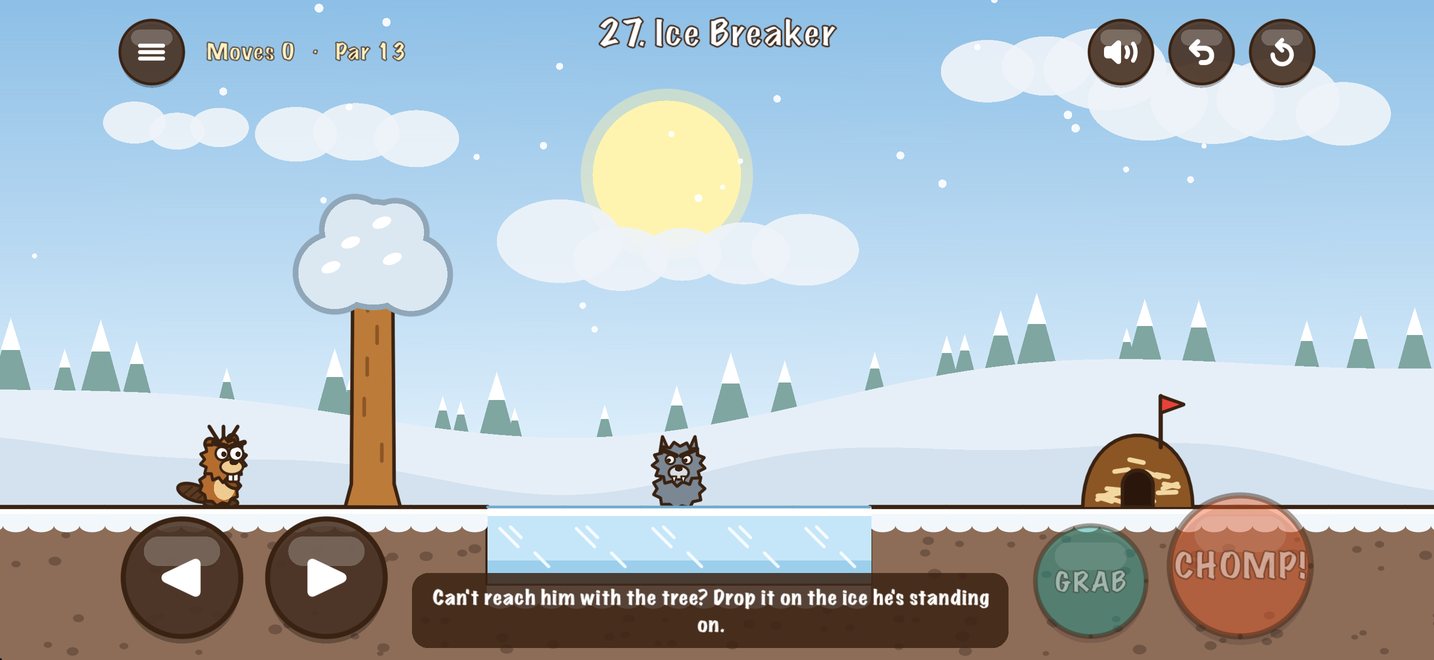
Open the Hairy Beaver project and look for the art folder. There isn't one. The beaver, the trees, the terrain, the wolves and the buttons are all drawn in code when the game runs.
A palette and some shapes
The art starts from a short list of named colours: fur, belly, wood, leaf, dirt, grass, water, and a dark brown ink for outlines. Everything on screen is built from shapes filled with those.
A few things fall out of that for free:
- It's sharp on everything. There are no pixels to scale, so the same code draws an iPhone and an iPad.
- Changing the look is one line. Thicker outlines or a warmer brown are edits to a constant, not a re-export of forty files.
- Variations are cheap. A leaning tree or a half-chewed tree is a different argument, not a different file.
The seasons come from the level number
Each level's look is derived from its number: the season, the time of day, where the sun sits. Summer trees are green, autumn ones are orange, winter ones carry snow and spring ones are pink with blossom. The level-select buttons are painted in their season's colour, and the title screen drifts leaves, snow or petals to match.
Because it's computed, a level always looks the same every time you come back to it, and nobody had to decorate a hundred levels by hand.
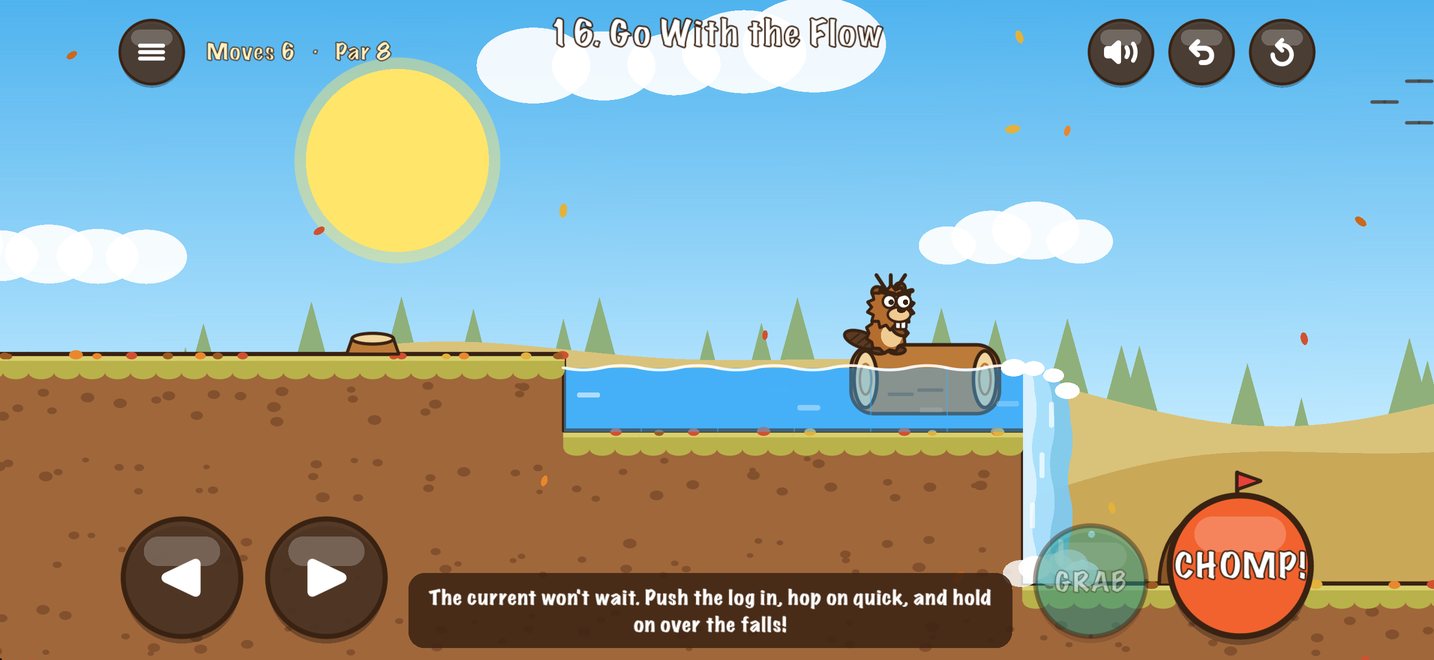
The sounds are maths
Every sound effect is synthesised when the game launches. A chomp is nine hundredths of a second of noise with a sharp decay, plus a 170 Hz square wave underneath to give it teeth:
make("chomp", 0.09) { t, dt in
    ph += 2 * .pi * 170 * dt
    return noise() * exp(-t * 55) * 0.55 + sq(ph) * exp(-t * 45) * 0.25
}
The background is done the same way. Under the music there are three quiet loops (wind, a stream and birdsong), all generated in code. They follow the level: autumn and winter are windier, the birds sing in spring and summer and nearly stop in winter, and the stream comes up close on levels with water.
One tune, nine bands
Music is the one place the game uses audio files. There's a theme, and then nine loops that are all the same tune played by a different band. The levels take turns with them, three levels on each:
| Levels | Loop |
|---|---|
| 1 to 3 | Main theme |
| 4 to 6 | Lumberjack Jamboree (fiddle, banjo, harmonica) |
| 7 to 9 | Beaver Lodge (flute, nylon guitar) |
| 10 to 12 | Canada Day Parade (marching band) |
| 13 to 15 | Owl Hours (bassoon, marimba) |
| 16 to 18 | 8-Bit Beaver (chiptune) |
| 19 to 21 | Wolf on the Prowl (horns, low toms) |
| 22 to 24 | Frozen Pond (celesta, sleigh bells) |
| 25 to 27 | Log Ride Rapids (the theme, faster) |
Then round again. Frozen Pond is eighth so that it first plays on the first winter levels.
One practical note if you're doing this yourself: an MP3 always has a moment of silence at each end, so it can't loop cleanly. The loops are AAC in a .caf container, which repeats without a gap.
Where it stops
"No image files" has honest exceptions. The story intro is a short film, and that's a video:
The title lettering uses two fonts. And the music, as above, is recorded audio.
Even the store art is code
The habit spread to everything around the game. The app icon is drawn by a script. So are the Game Center achievement badges:
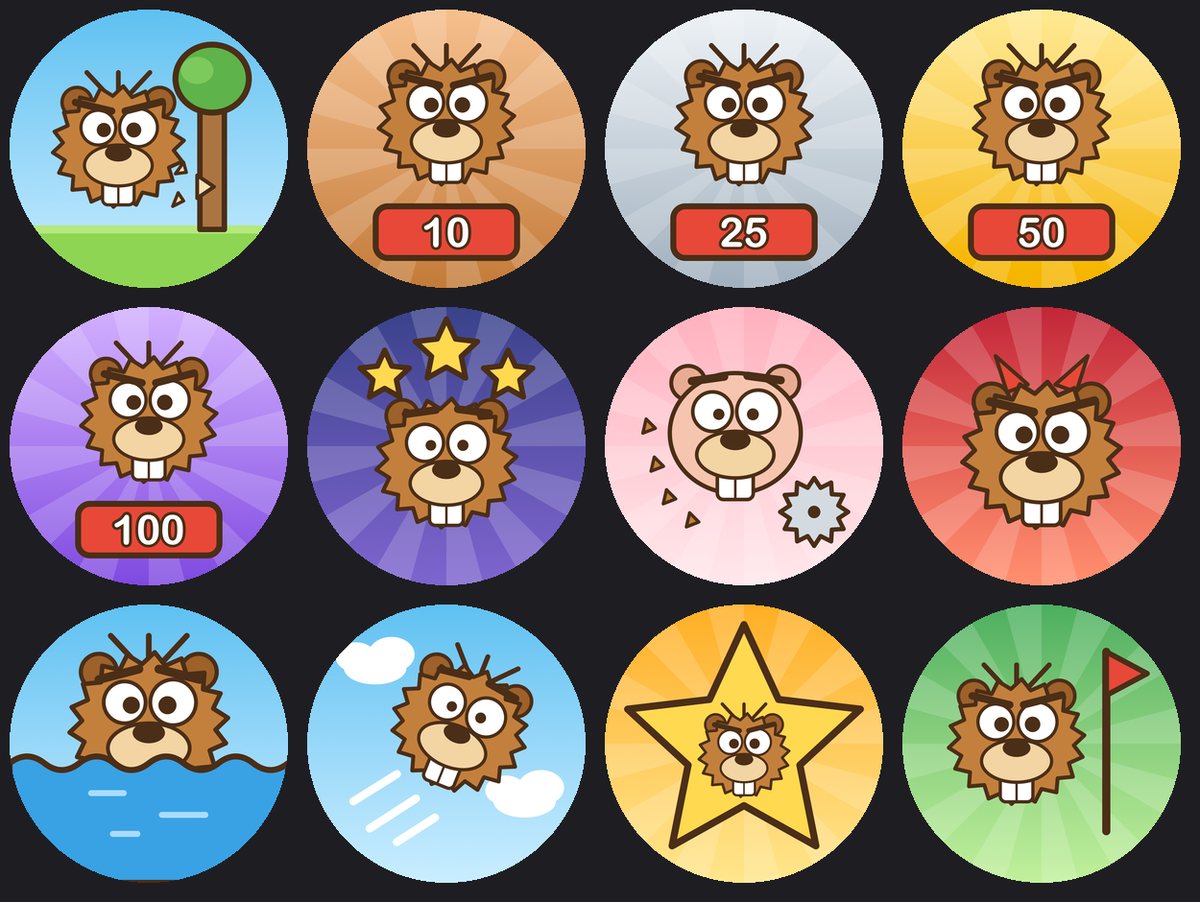
The App Store screenshots are taken from a simulator by another script, and uploaded by another. When the beaver's look changes, the icon, the badges and the screenshots catch up by re-running the scripts.
That's the real argument for doing it this way. It isn't the download size. It's that there is one source of truth for how the beaver looks, and it's a function.
More: how the 100 levels get made.